 Maxime Rousseau
Manager
- See the plans of your own units
- Set the target headcount, location by location
- See who's in each location
Workforce Planning builds a plan for each department or location from your own org structure, sets the headcount each part needs over time, and shows what's filled and what's still to hire. For your key positions, it keeps a ranked pipeline of successors and how ready each one is.
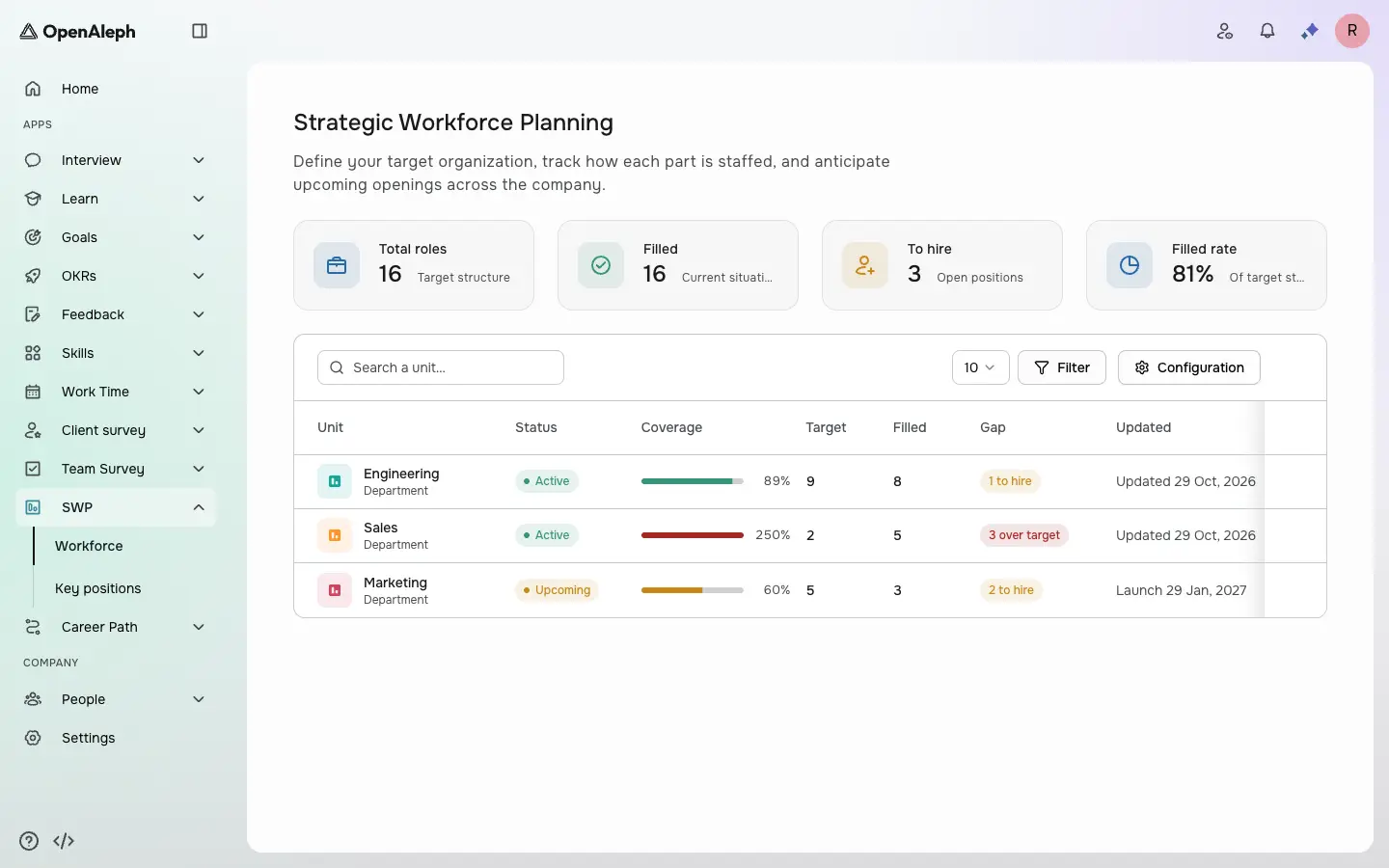
Step 1 of 2
Where the company stands
Total roles, filled and to hire across every plan, and coverage against the target.
Where the company stands. Total roles, filled and to hire across every plan, and coverage against the target.
Product screens with sample data. Click the dot to move on.
Also in Workforce Planning
What the tour doesn't show.
Export one plan or every plan at once, and a succession plan.
Mark a plan upcoming with its opening date, then active when it starts.
Managers see the plans of their own units; admins see every plan.
A succession plan stays private until you share it, with view or edit rights.
By role
Maxime Rousseau Sarah Dubois
Open positions across the company, at a glance.
Hiring needs are known milestone by milestone, not discovered late.
Key positions come with a ranked successor pipeline.
Documentation
Step-by-step documentation for everything you can do in Workforce Planning, for employees, managers and admins.
All 5 Workforce Planning guidesBook a live demo and we'll tailor the walkthrough to how your team would use Workforce Planning.
Book a demo